Many QA teams start automation with a simple goal: automate as much as possible. It sounds reasonable, but it usually creates a suite that is slow, noisy, and expensive to maintain. The better question is not "how many tests can we automate?" The better question is "which automated checks will give us the strongest confidence before each release?"
Browser automation is especially sensitive to this distinction. A browser test touches routing, rendering, network timing, authentication, feature flags, test data, and the DOM. That makes it powerful, but it also makes it more expensive than a unit test or API test. A good strategy treats browser tests as high-value checks for important user flows, not as a replacement for every other kind of testing.
Start With Release Risk
The most useful automation plan begins with the flows that would hurt most if they broke. For an ecommerce app, that might be search, add to cart, checkout, payment confirmation, and order history. For a SaaS dashboard, it might be login, workspace creation, billing access, report export, and permission changes. These flows deserve browser-level coverage because they combine many parts of the product.
Less critical behavior can often be covered lower in the pyramid. Field validation rules, formatting helpers, and permission calculations may be better tested at the unit or API layer. The browser test should verify the user can complete the meaningful journey, not every implementation branch behind it.
Use a Three-Layer Browser Suite
A practical browser suite usually works best in three layers. The first layer is smoke coverage: a small number of tests that prove the build is alive and the most important pages load. These should run on every pull request and complete quickly.
The second layer is critical journey coverage. These tests verify the flows the business depends on. They may take longer, but they should still be stable enough for CI. Each one should have a clear owner and a reason to exist.
The third layer is exploratory support. These tests may be run before a release, during a bug investigation, or against a staging environment. They can cover edge cases, unusual combinations, and visual evidence collection. They are valuable, but they do not all need to block every commit.
Prefer Intent Over Implementation
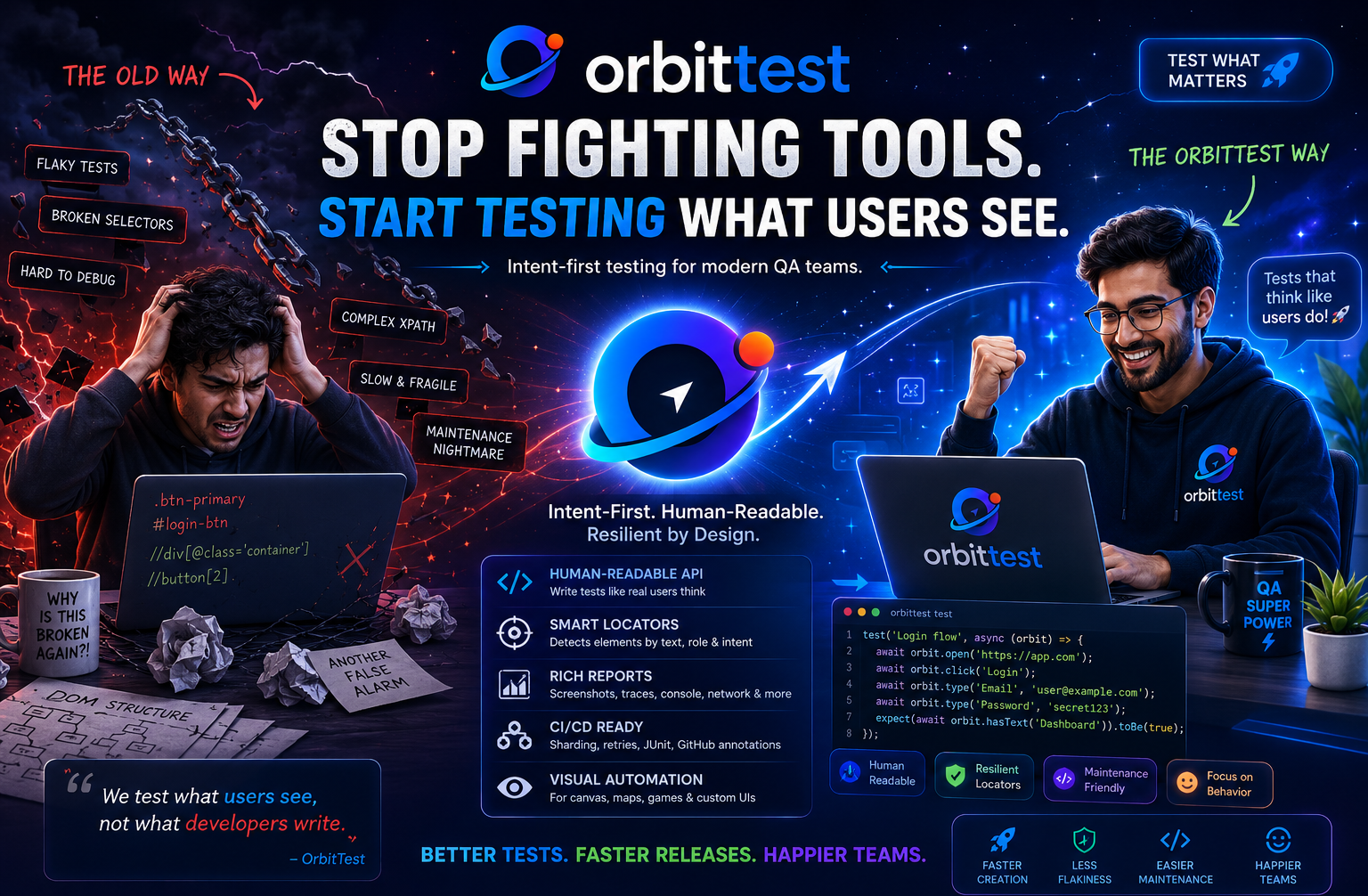
A strategy fails when maintenance becomes heavier than the signal. One of the easiest ways to reduce maintenance is to write tests using user-visible intent. Click the button by its label. Fill fields by their visible label. Assert text that a real user would see. This keeps tests aligned with behavior instead of DOM structure.
await orbit.open('https://app.example.com');
await orbit.click('Create project');
await orbit.type('Project name', 'Release smoke test');
await orbit.click('Save');
expect(await orbit.hasText('Release smoke test')).toBe(true);
This style is readable during review and easier to debug after failure. If a selector changes but the product behavior stays the same, the test should usually keep passing. If the visible label changes, that is at least a user-facing change worth noticing.
Define What Should Not Be Automated
Strong QA strategy includes restraint. Do not automate a test just because it is possible. Avoid browser tests for unstable experiments, flows that change every sprint, one-time migration screens, or checks that require fragile timing assumptions. Also avoid duplicating the same journey with tiny variations unless each variation covers a real risk.
Manual testing still matters. Exploratory testing finds surprising behavior, confusing UX, and gaps in assumptions. Automation should protect known value. Manual testing should keep discovering unknown risk.
Make Failures Actionable
A browser test failure should answer three questions quickly: what did the test try to do, what did the user-facing page show, and what technical evidence was available at the moment of failure? Screenshots, traces, console errors, network failures, and test step logs turn a red build from a mystery into a debugging task.
OrbitTest's reports are designed around that idea. A failed test should give the QA engineer and developer enough context to decide whether the product broke, the environment broke, or the test needs to be updated.
Review the Suite Like Product Code
Automation needs review. When a new browser test is added, ask what user risk it covers, whether the assertions are meaningful, whether the data setup is reliable, and whether the test can run independently. These questions prevent the suite from becoming a pile of scripts that nobody wants to touch.
Every quarter, remove or rewrite tests that no longer protect meaningful behavior. A smaller, trusted suite is more valuable than a large suite everyone ignores.
The Practical Goal
The goal of QA automation is not total coverage. The goal is fast, trustworthy feedback. A focused browser suite should tell the team whether the most important user journeys still work, while leaving enough time and attention for exploratory testing and deeper product thinking.
That is the kind of suite OrbitTest is built for: readable, intent-first, and practical enough to run in real development workflows.
Build a Smaller, Stronger Suite
Start with five release-critical journeys, write them in user-facing language, and make every failure produce evidence your team can act on.