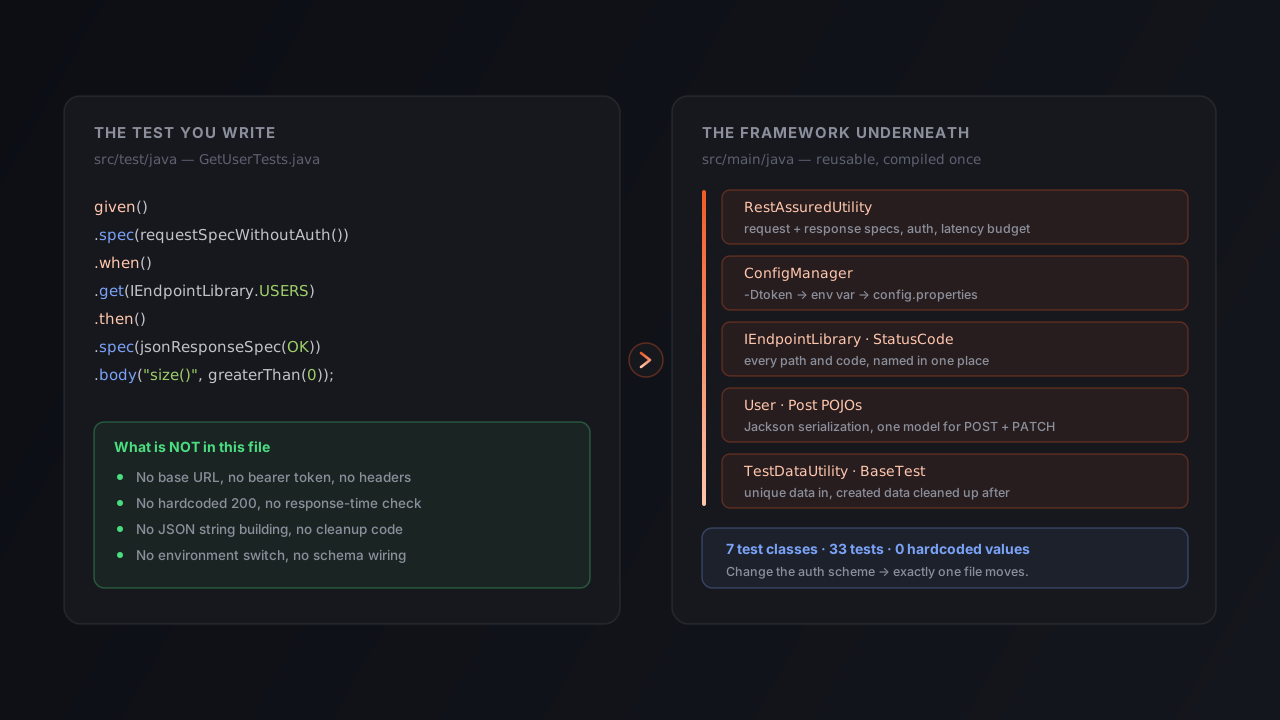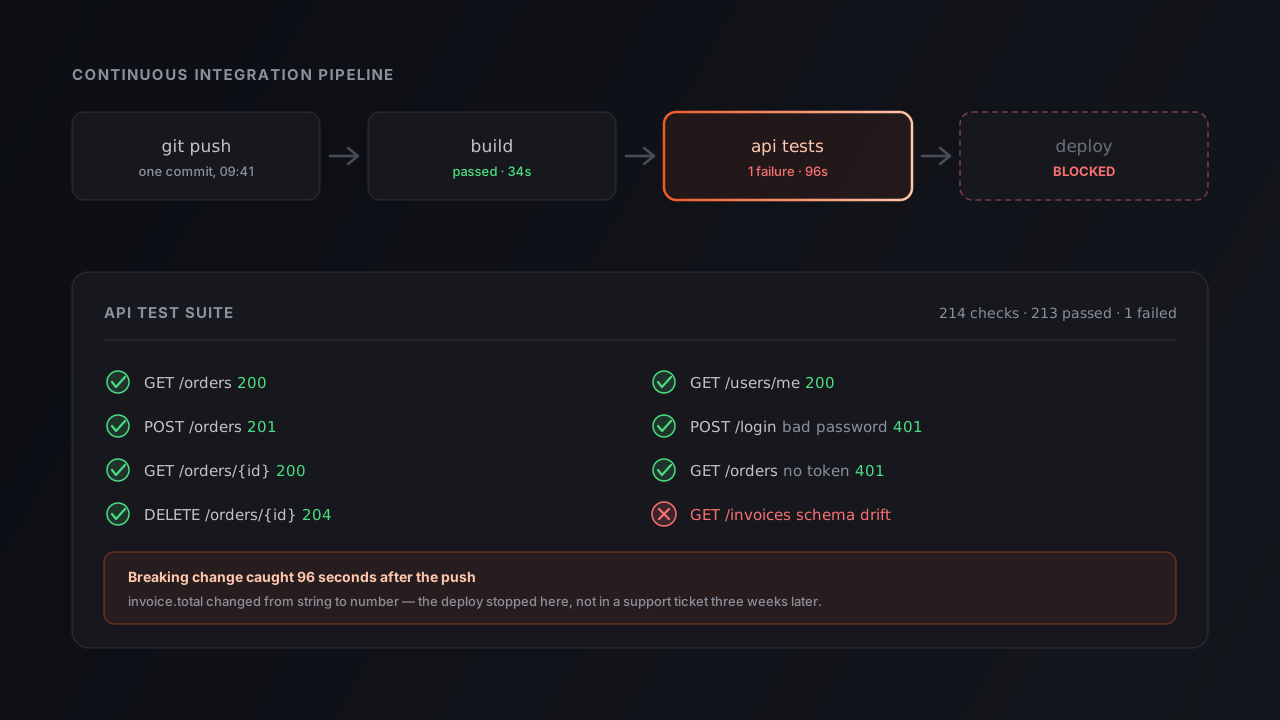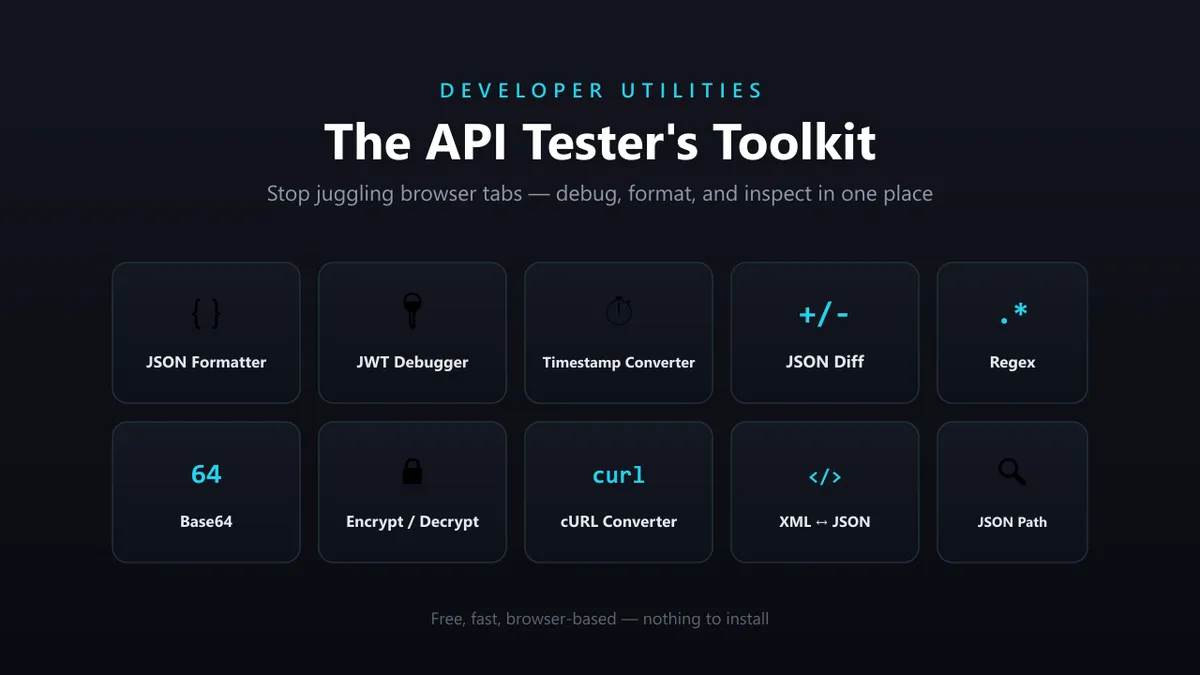
Every QA engineer, automation tester, and backend developer knows the feeling. You start the day planning to test a new API. Two hours later, you’re still switching between browser tabs — one for formatting JSON, another for decoding JWT tokens, another for checking timestamps, another for testing regex. Then someone drops a cURL command in the channel and asks, “Can you convert this into Java code?”
By lunchtime, you’ve spent more time wrangling API data than actually testing the API.
Here’s the part that’s easy to miss: most API failures aren’t caused by complicated bugs. They’re caused by small things — an expired token, a missing JSON field, a changed response structure, a malformed payload, a regex validation mistake. Small problems. Big debugging time. After years of API automation work, the same pattern keeps repeating: the issue usually isn’t the API. It’s the workflow around it.
This guide walks through the free API testing tools that fix that workflow — the lightweight, browser-based utilities that turn “something is wrong” into “I know exactly what’s wrong” in seconds.
Table of Contents
- The API Testing Workflow Nobody Talks About
- Watch It in Action
- When JSON Responses Become a Nightmare
- JWT Tokens Are Usually the First Suspect
- Timestamps Cause More Bugs Than Expected
- The Silent Killer: Response Changes
- Finding JSON Paths Shouldn’t Feel Like Archaeology
- The Everyday Utilities That Save More Time Than You Think
- Best Practices for an API Debugging Workflow
- Common Mistakes
- Frequently Asked Questions
- Conclusion
The API Testing Workflow Nobody Talks About
Say a login API suddenly starts failing in your test environment. The first thing most testers do is inspect the response. You get back something like this:
{ "token": "eyJhbGciOiJIUzI1NiIsInR5cCI6IkpXVCJ9...", "expires": 1750741800 }At first glance it looks fine. But now the investigation begins, and the questions start stacking up:
- Is the JWT valid?
- Has the token expired?
- Is the response structure different from yesterday?
- Did the backend team quietly remove a field?
- Is the timestamp correct?
- Are my assertions still valid?
None of these questions require complex testing. They require visibility — and visibility is usually where the time gets wasted.
Most engineers already own tools for these tasks. The problem is that they’re scattered everywhere. A typical debugging session means opening one site to format JSON, another to decode JWT, another to convert a timestamp, another to compare responses, another to test regex, another to convert XML. Half your tabs end up having nothing to do with the application you’re testing. You’re managing tools instead of solving problems.
That’s exactly why we pulled a collection of lightweight developer utilities into one place inside OrbitTest’s free tools — not because any single one is revolutionary, but because together they remove friction.
Watch It in Action
Prefer to see the workflow before you read through it? Here’s a short walkthrough of the free tools every API tester should bookmark:
When JSON Responses Become a Nightmare
If you’ve worked with large APIs, you’ve seen responses like this:
{"user":{"profile":{"address":{"city":"London","country":"UK"}}},"permissions":["admin","editor"]}Technically valid. Practically unreadable. The first thing most developers do is format it, which is the entire job of the JSON Formatter: paste minified JSON, get readable, indented JSON back. Nothing fancy — but the amount of debugging time saved by properly formatted output is surprisingly large, especially when you’re scanning a nested response for the one field that’s wrong.
If you also need to validate that the payload is even parseable, the JSON Parser flags the exact line where the structure breaks — handy when a trailing comma or unescaped quote is silently failing your request.
JWT Tokens Are Usually the First Suspect
Whenever authentication breaks, JWT tokens become the prime suspect. A tester receives:
eyJhbGciOiJIUzI1NiIsInR5cCI6IkpXVCJ9...And the questions start: Who issued the token? When does it expire? What roles does it carry? Which user does it belong to? Instead of manually splitting the token on dots and Base64-decoding each segment, the JWT Debugger gives you immediate visibility into the header, payload, and expiry. When authentication issues hit, visibility matters far more than complexity. (If you want the deeper story behind tokens, sessions, and OAuth, see our guide on API authentication.)
Timestamps Cause More Bugs Than Expected
One of the most common support conversations in any QA channel goes like this:
“The token expired.” “No, it didn’t.” “Yes, it did.”
Then someone pastes a Unix timestamp into a search engine. Timestamps are simple until you’re juggling multiple environments, time zones, expiration windows, and audit logs at once. That’s why the Timestamp Converter ends up being one of the most-used utilities in the set — because nobody wants to manually work out whether a token expires in five minutes or five days. Pair it with the JWT Debugger and the “is it expired?” argument ends in seconds.
The Silent Killer: Response Changes
Many API bugs aren’t caused by failed responses. They’re caused by changed responses. Yesterday the field was status: "active". Today it’s status: "inactive" — or worse, it was renamed to accountStatus entirely. The API still returns 200 OK, but every consumer downstream breaks.
This is where the JSON Diff tool becomes invaluable. Instead of eyeballing hundreds of lines across two responses, the differences light up instantly. For regression testing, that one tool can save hours every week. And when a renamed or removed field is a recurring problem across releases, it’s worth graduating from manual diffing to automated contract testing, which catches schema drift before it ever reaches production.
Finding JSON Paths Shouldn’t Feel Like Archaeology
Automation engineers often spend more time locating data than validating it. Imagine receiving:
{ "users": [ { "profile": { "address": { "city": "London" } } } ] }Now you need the JSONPath to assert on that city. Instead of manually counting your way down through nested objects, the JSON Path Finder generates it for you — which is especially useful when you’re writing assertions in an automation framework and need the exact path right the first time.
The Everyday Utilities That Save More Time Than You Think
Some tools don’t sound exciting until the moment you need them. These are the quiet workhorses:
| Tool | What it solves |
|---|---|
| Regex Tester | Validate emails, phone numbers, URLs, passwords, and custom patterns before they go into a test. |
| Base64 Encoder / Decoder | Decode auth headers and encoded payloads while debugging integrations. |
| Encrypt / Decrypt | Validate secured payloads and test encrypted data exchanges. |
| cURL Converter | Turn a raw API request into actual code — answer that “convert this to Java” message in seconds. |
| XML ↔ JSON Converter | Because legacy systems still exist, and many of them still speak XML. |
The interesting thing about developer productivity is that it rarely comes from massive breakthroughs. It comes from removing tiny frustrations — five minutes here, ten minutes there, a few unnecessary tabs, a few manual conversions. Over a week, those small wins compound into real time back.
None of these tools are trying to replace your full client. The goal isn’t to compete with Orbittest Client or your automation framework — it’s to help you solve the small, everyday API problems faster so you can get back to the actual testing.
Best Practices for an API Debugging Workflow
- Bookmark a single hub, not ten sites. Pin one tools page and branch out from there instead of re-googling each utility.
- Format before you read. Always run an unfamiliar response through the formatter first — most “bugs” are just unreadable output.
- Decode tokens before assuming. When auth fails, decode the JWT before you blame the backend. Half the time the answer is “expired,” and the timestamp converter proves it.
- Diff responses across releases. Keep a known-good baseline and diff against it after every deploy to catch silent contract changes.
- Promote repeated checks into automation. If you’re manually validating the same field every day, move that assertion into your test suite with Orbittest Client.
Common Mistakes
- Trusting a
200 OKblindly. A success status with a changed body still breaks consumers — read the payload, don’t just check the code. (More on this in the HTTP status codes guide.) - Decoding JWTs by hand. Manual Base64 splitting is slow and error-prone; a debugger removes the guesswork.
- Ignoring time zones. A timestamp that looks expired in UTC may be perfectly valid locally. Convert, don’t assume.
- Eyeballing large JSON diffs. The human eye misses a renamed field in 200 lines every time. Let a diff tool do it.
- Pasting sensitive data into unknown sites. Prefer tools that process everything in the browser so your tokens and payloads never leave your machine.
Frequently Asked Questions
What are the most useful free API testing tools?
The everyday essentials are a JSON formatter, a JWT debugger, a timestamp converter, a JSON diff tool, a regex tester, and a Base64 encoder/decoder. Together they cover the bulk of routine API debugging — reading responses, inspecting tokens, checking expiry, and spotting changed fields.
Do I need to install anything to use these tools?
No. The OrbitTest utilities are browser-based and free — open the page and start working. There’s nothing to install and no sign-up required.
Are these tools safe for sensitive tokens and payloads?
The OrbitTest tools process data in your browser, so your tokens and payloads aren’t uploaded to a server. As a general rule, prefer client-side tools for anything sensitive and avoid pasting secrets into unknown websites.
Do these tools replace Postman or an API client?
No — and they’re not meant to. They handle the small, fast tasks (formatting, decoding, converting) that surround API testing. For sending requests, organizing collections, and writing assertions, use a full client like Orbittest Client.
How do I decode a JWT token to check if it’s expired?
Paste the token into a JWT debugger to read its payload, then check the exp claim. Run that value through a timestamp converter to see the human-readable expiry time and confirm whether it’s in the past.
What’s the fastest way to spot a changed API response?
Keep a known-good baseline response and run it against the current one in a JSON diff tool. Differences — including renamed or removed fields — appear instantly, which is far more reliable than reading both by eye.
Conclusion
Good testing isn’t only about writing better test cases. It’s about shrinking the gap between “something is wrong” and “I know exactly what’s wrong.” That gap is where most engineering time quietly disappears.
The OrbitTest utility collection was built around that one idea: simple tools, real problems, less friction. If part of every day goes to debugging APIs, validating payloads, inspecting tokens, comparing responses, or digging through JSON, you’ll almost certainly find at least one tool here that hands you time back.
Explore the complete toolkit and bookmark the ones you reach for most. Because API testing is hard enough already — the tools around it shouldn’t be.
Written by Abhay Kumar — QA engineer and creator of OrbitTest, building practical tools for browser, mobile, and API testing. Browse more API testing articles.